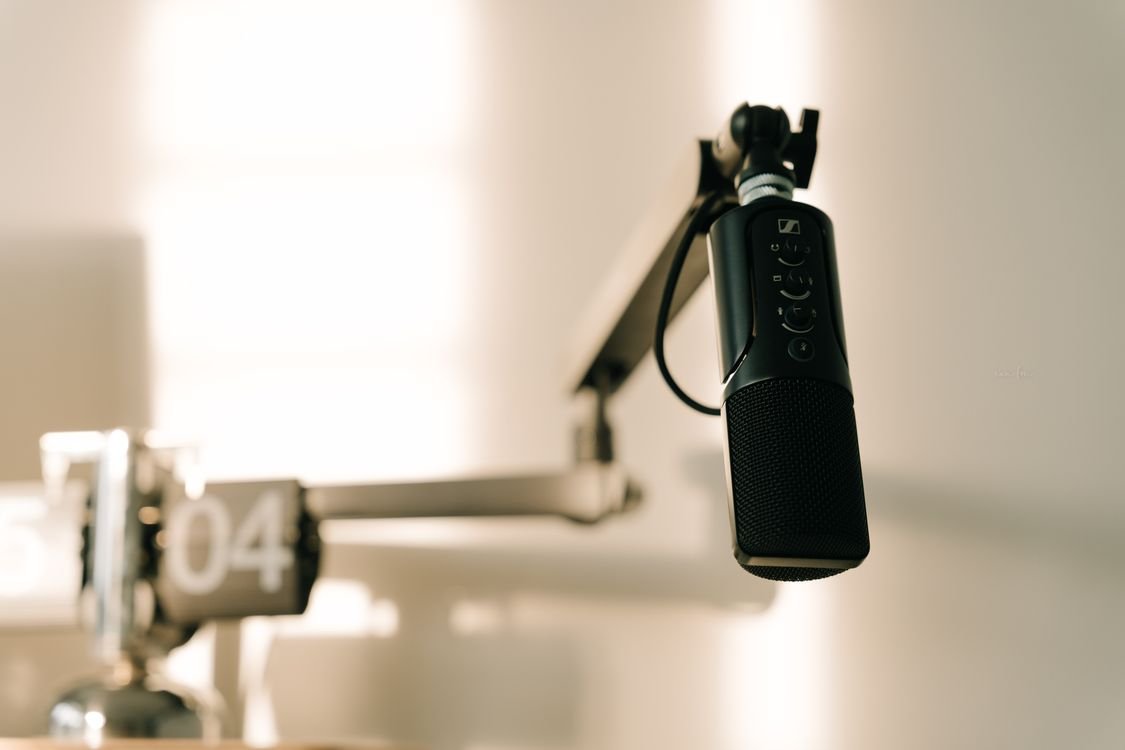
Your listeners will forgive a shaky webcam, a cluttered background, even the occasional awkward pause. What they will not forgive is bad audio. Whether you are recording a podcast in a Berlin flat, joining client calls from a busy Amsterdam co-working space, or sending voice notes to your team from a café in Lyon, hissy, echoey, uneven sound makes you seem unprofessional — and makes people switch off.
The good news is that you no longer need a treated studio or an expensive audio engineer to sound crisp. A new generation of AI audio cleanup tools can remove background noise, erase filler words, balance levels and even rebuild damaged recordings in minutes. In this guide we compare three of the most popular options in 2026 — Krisp, Cleanvoice and Descript — on features, pricing and the data-privacy questions that matter to European users.
Why clean audio matters more than ever
Europe runs on remote communication. Distributed teams stretch from Lisbon to Warsaw, podcasting keeps growing in the UK, Germany and France, and freelancers routinely record courses, voice-overs and client updates from home offices that were never designed as studios. Thin walls, street noise, barking dogs and reverberant rooms are the reality for most of us.
Research consistently shows that listeners judge credibility through audio quality. A podcast with echo and background hum loses subscribers; a sales call with keyboard clatter in the background loses deals. Clean audio is not vanity — it is clarity, and clarity is respect for your audience’s time.
Traditional audio editing meant learning tools like Audacity or Adobe Audition and spending an hour cleaning every recorded hour. AI has collapsed that ratio. The tools below handle the tedious parts automatically, so you can focus on what you actually want to say.
What to look for in an AI audio cleanup tool
Before comparing the three contenders, it helps to know which criteria actually matter:
- Noise and echo removal: How well does it kill background hum, keyboard clicks, traffic and room reverb without making your voice sound robotic?
- Real-time vs post-production: Do you need cleanup live on calls, or are you polishing recordings afterwards?
- Filler-word and mistake removal: Can it detect and cut “ums”, “ahs”, repeated words and long silences?
- Transcription: A good transcript makes editing, subtitling and repurposing far easier.
- Ease of use: The best tool is the one you will actually use every week.
- Pricing: Free tiers are fine for testing, but check what the paid plans cost in euros — and whether the limits fit your volume.
- GDPR and data handling: Audio recordings can contain personal data. Check where processing happens, whether the vendor offers a data processing agreement (DPA), and how long your files are stored.
Krisp: real-time quiet for calls and meetings
Krisp takes a different approach from most audio tools: instead of cleaning recordings after the fact, it cleans your audio live. It sits between your microphone and your apps as a virtual device, removing background noise from your voice — and optionally from everyone else on the call — in real time. It works with Zoom, Teams, Meet, and practically any conferencing app.
The noise cancellation is genuinely impressive. It handles dogs barking, construction noise, café chatter and keyboard typing while leaving your voice natural. A standout privacy feature is that much of the processing happens on your device rather than in the cloud, which means your raw audio never has to leave your laptop. For European remote workers dealing with works-council or client confidentiality concerns, that local processing is a meaningful advantage — though you should still review Krisp’s DPA if you deploy it across a company.
Krisp also offers AI meeting notes and summaries on higher tiers, which pairs nicely with dedicated note-takers. If your main pain is live calls rather than recordings, Krisp is the specialist. If you want to go further with meeting productivity, read our comparison of the best AI meeting assistants: Otter.ai vs Fireflies vs Fathom.
Pricing: a free tier with limited minutes per day; Pro plans are subscription-based (check current euro pricing on Krisp’s site). Limitation: Krisp does not edit recordings, remove filler words or transcribe — it is a live filter, not a post-production studio.
Cleanvoice: the podcaster’s post-production assistant
Cleanvoice is built for creators who record first and clean up later. You upload an episode — or connect via integrations — and its AI removes background noise, mouth clicks, stutters, filler words (“um”, “you know”, and their equivalents in several supported languages), long silences and uneven volume. It supports multitrack projects, so interview podcasts with separate tracks per speaker clean up beautifully.
What podcasters love most is the timeline view: every detected filler word, silence and noise event is marked, and you can approve or reject changes in bulk. A 45-minute episode that once took an evening to edit can be polished in under half an hour. Cleanvoice also generates transcripts and show notes, which helps with SEO for your episode pages.
Language support matters for European podcasters: Cleanvoice handles English, German, French, Spanish and several other languages for filler-word detection. Processing happens on Cleanvoice’s servers, so check their data processing terms and retention policy — uploaded episodes are stored in your account until you delete them.
Pricing: pay-per-minute or subscription tiers; occasional podcasters can use the per-episode pricing while weekly shows save with a plan. Limitation: no real-time call cleanup and no full text-based editing — for that, see Descript below.
Descript: the all-in-one editor that starts from the transcript
Descript reimagined audio editing: it transcribes your recording, and you edit the text — delete a sentence in the transcript and it disappears from the audio. Its Studio Sound feature is the AI cleanup engine, removing noise, echo and room tone with one click, and it can even regenerate poor-quality audio to sound studio-like.
Beyond cleanup, Descript is a full production suite: multitrack editing, screen recording, automatic subtitles, translation and dubbing, and an AI voice clone (“Overdub”) that can fix a misspoken word in your own voice. For YouTubers, course creators and podcasters who publish video too, it replaces several tools at once. If you are also exploring synthetic narration, our ElevenLabs vs Murf vs PlayHT comparison covers the best AI voice generators in depth.
The trade-off is complexity and price. Descript is the most powerful of the three, but also the one with the steepest learning curve. Its AI features process audio in the cloud, so European teams should review the DPA and consider where project data is stored — Descript offers business-tier controls for organisations with strict requirements.
Pricing: a free tier with limited transcription and Studio Sound hours; Creator and Pro plans unlock the full toolkit. Limitation: overkill if you only need quick noise removal; no live call filtering like Krisp.
Head-to-head comparison
| Criteria | Krisp | Cleanvoice | Descript |
|---|---|---|---|
| Best for | Live calls and meetings | Podcast post-production | Full audio/video editing |
| Real-time cleanup | Yes — its core strength | No | No |
| Noise & echo removal | Excellent (live) | Very good (recordings) | Excellent (Studio Sound) |
| Filler-word removal | No | Yes, multilingual | Yes, via transcript |
| Transcription | Meeting summaries only | Yes | Yes — text-based editing |
| Ease of use | Set-and-forget | Simple upload workflow | Powerful, steeper learning curve |
| Processing location | Largely on-device | Cloud | Cloud |
| Free tier | Yes, limited daily minutes | Trial minutes | Yes, limited hours |
The verdict: which tool for which European creator
Choose Krisp if your audio pain happens live: daily standups, client calls, online teaching or customer support from a noisy home. It is the only one of the three that fixes sound during the call, and its on-device processing is the most privacy-friendly architecture here.
Choose Cleanvoice if you publish a podcast or interview show and want the fastest path from raw recording to polished episode. The filler-word detection in European languages and the multitrack timeline are purpose-built for podcast workflows, and the pricing scales sensibly from hobbyist to weekly publisher.
Choose Descript if you create video as well as audio, or you want one tool for recording, transcribing, editing and publishing. Course creators and YouTubers get the most value; pure podcasters may find Cleanvoice simpler and cheaper.
For beginners: start with the free tiers. Record a typical episode or join a typical call, run it through each tool, and trust your ears. And wherever you land, remember the GDPR basics: prefer tools that process locally when handling sensitive conversations, sign a DPA for business use, and delete raw uploads once the final version is published.
Clean audio is one of the highest-leverage upgrades you can make to your content and your calls. Pick the tool that matches your workflow, and your audience — from Hamburg to Marseille — will hear the difference.