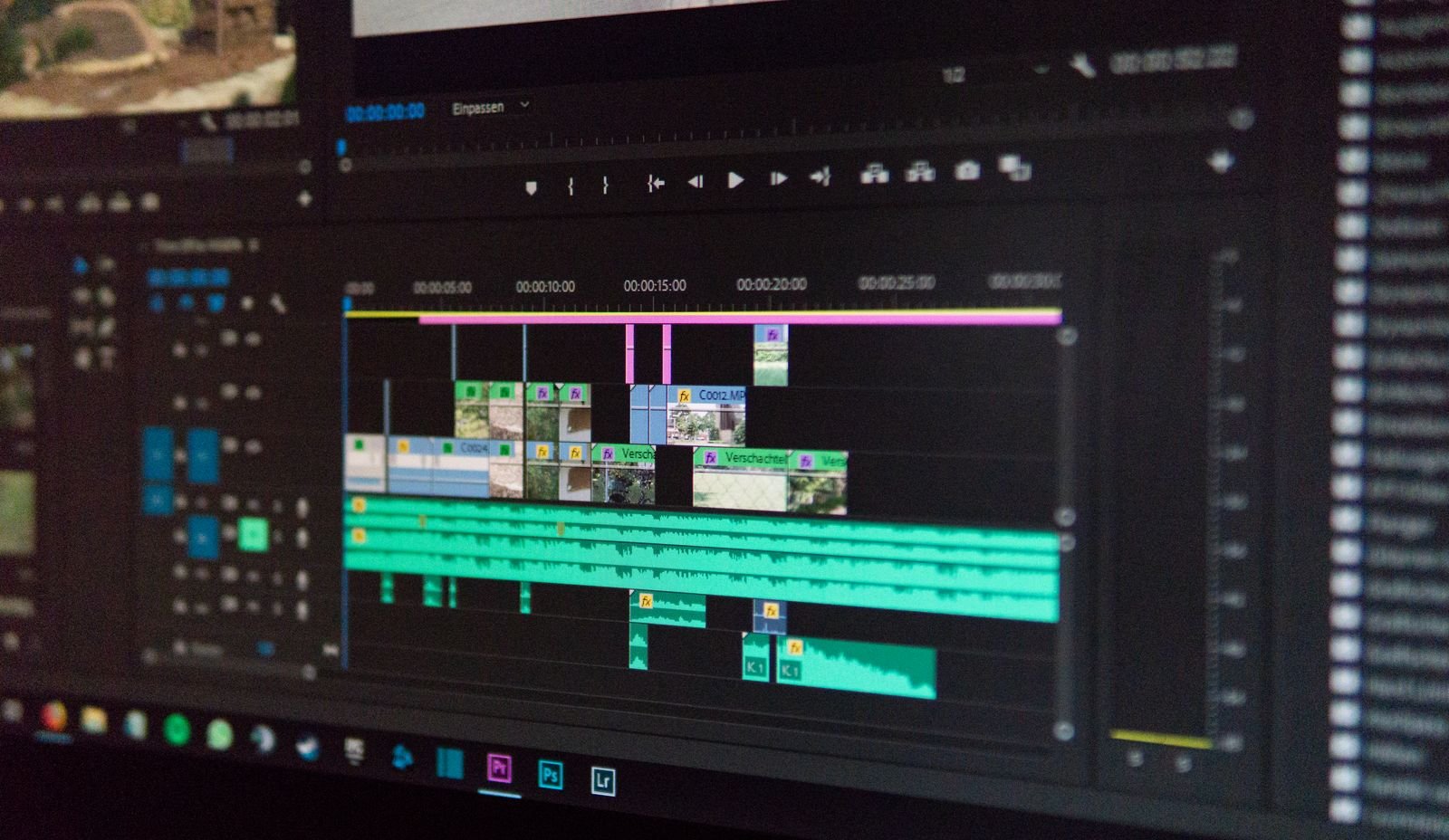
You have an idea for a short video — a product teaser, a birthday montage, a dreamy establishing shot for your travel vlog — but no camera crew, no editing skills and no budget. In 2026, that is no longer a problem. Free AI video generators can turn a single sentence into moving pictures in under a minute, and the free plans are generous enough to let you experiment properly before spending a cent.
But which one should you try first? We compared the three biggest names — Runway, Pika and Luma — on video quality, free-plan generosity, watermarks and beginner-friendliness, with a special eye on what matters for creators in Europe.
How we compared the free AI video generators
We judged each tool on the five things that matter most when you are starting out:
- Video quality — how good do text-to-video and image-to-video results actually look?
- Free plan generosity — how many videos can you generate before hitting a paywall?
- Watermarks and resolution — can you share the results without an intrusive logo?
- Ease of use — can a complete beginner get a decent result on the first attempt?
- Availability and privacy in Europe — does it work where you live, and what happens to your prompts?
Meet the contenders
Runway: the professional’s choice
Runway is the closest thing the AI video world has to an industry standard. Its generative models produce some of the most coherent, cinematic clips available, and the built-in video editor lets you trim, extend and composite generations almost like a mini Premiere Pro. Film schools and creative studios across Europe use it for storyboarding, mood films and even final footage.
Strengths: best-in-class motion coherence, a real editing timeline, strong image-to-video. Weaknesses: the free tier is the stingiest of the three, and the interface can overwhelm beginners.
Pika: the playful creator’s favourite
Pika built its reputation on fun, shareable generations and a community-first approach. Its models excel at stylised, energetic clips — animated illustrations, meme-worthy transformations and snappy social videos. Features like AI effects you can apply to your own photos make it the most entertaining of the three to experiment with on a Friday evening.
Strengths: generous free tier, fun effects, fast generation, beginner-friendly. Weaknesses: less photorealistic than its rivals, shorter maximum clip lengths.
Luma: the photorealism specialist
Luma’s Dream Machine made waves with strikingly realistic generations — natural lighting, believable physics and smooth, film-like camera moves. It sits between Runway and Pika: more cinematic than Pika, more approachable than Runway. Its image-to-video mode is particularly strong, turning a single still photograph into a living scene.
Strengths: impressive realism, a solid free plan, an intuitive interface. Weaknesses: fewer editing tools than Runway, and occasional struggles with complex human motion.
Runway vs Pika vs Luma at a glance
| Runway | Pika | Luma | |
|---|---|---|---|
| Best for | Professionals and filmmakers | Beginners and social creators | Photorealistic clips |
| Free plan | Limited trial credits | Generous recurring credits | Monthly generations included |
| Watermark on free tier | Yes | Yes | Yes |
| Ease of use | Advanced | Very easy | Easy |
| Standout feature | Built-in video editor | Fun AI effects | Cinematic camera moves |
Free plans compared in detail
All three tools offer free tiers, but they differ significantly in what you actually get. Expect free plans to include a monthly allowance of generation credits, watermarked exports and capped resolution — enough to learn the ropes and create content for social media, though not quite enough for client work.
- Runway: a limited credit allowance — enough for a handful of short clips. Treat the free tier as an extended trial of a professional tool.
- Pika: the most generous free plan of the three, with a recurring credit allowance that genuinely supports regular experimenting.
- Luma: a comfortable middle ground — monthly generations included, ideal for hobbyists finding their style.
Free credits typically reset every month, and paid plans start at roughly the price of a streaming subscription. If you only need a few clips a month for a personal project or a school assignment, you may never need to pay at all.
Video quality: which looks best?
For pure visual fidelity, Runway still leads: its clips show the most natural motion, the fewest warped faces and hands, and the most convincing lighting. Luma comes close on realism, especially for landscapes, products and atmospheric scenes — its camera moves feel remarkably film-like. Pika trades photorealism for style; its outputs look intentionally artistic rather than cinematic, which is perfect for social content but less suited to realistic footage.
One tip that levels the playing field: start from an image instead of text. Every one of these tools produces noticeably better results in image-to-video mode than from a text prompt alone. If you want beautiful starting frames, our comparison of AI image generators shows which tools create them best.
Ease of use: which is best for beginners?
Pika wins for beginners. The interface is minimal, generation is fast, and the effects library means you can make something delightful without writing a perfect prompt. Luma is a close second: clean, simple and forgiving of vague prompts. Runway is the most powerful but also the most complex — worth learning if you plan to edit seriously, overkill if you just want a fun clip for Instagram.
Whichever you choose, your results will improve dramatically once you learn to write better prompts. Our beginner’s guide to prompt engineering teaches exactly the skills that separate a blurry mess from a beautiful shot.
Watermarks, resolution and commercial use
Free exports from all three tools carry watermarks and are capped below full 4K resolution. For personal projects, school assignments and social media, that is perfectly fine. For client work or monetised YouTube videos, you will want a paid plan — which also unlocks commercial usage rights and higher resolutions.
Important: always read each platform’s current terms before using generations commercially. Free-tier licences are typically restricted to non-commercial use, and the details differ between providers.
Privacy and availability in Europe
All three services are available across the EU, the UK and Switzerland, and all are US-based companies. Your prompts and generated videos are processed on their servers — worth remembering before you upload identifiable footage of other people or any sensitive material. Each provider publishes GDPR-relevant documentation, but the safest approach with any cloud AI tool is to avoid uploading personal data you would not want processed externally.
One more European consideration: generated videos can look deceptively real. The EU’s AI Act requires transparency for AI-generated content, so label synthetic videos clearly when you share them — most platforms now offer a simple “AI-generated” tag for exactly this purpose.
Which free AI video generator should you choose?
- Complete beginners: Pika — generous free plan, fun effects, instant gratification.
- Aspiring filmmakers and marketers: Runway — the best quality plus real editing tools.
- Photorealism fans: Luma — beautiful, cinematic generations with a friendly interface.
- Social media creators: Pika for speed and style, Luma for polish.
- On a zero budget: Pika or Luma — both free tiers stretch further than Runway’s.
Five tips for better AI videos
- Describe the camera, not just the scene. “Slow dolly shot towards a lighthouse at golden hour, seagulls crossing the frame” beats “a lighthouse video” every time.
- Start from an image. Generate or upload a still frame first, then animate it — results are consistently sharper and more controllable.
- Keep clips short. Five-second generations look far better than fifteen-second ones; stitch short clips together for longer sequences.
- Lock the style. Add consistent style words such as “cinematic, 35mm film, muted colours” to every prompt in a project.
- Iterate cheaply. Generate several variations on the free tier, pick the best one, and spend credits only on refining the winner.
Frequently asked questions
Are free AI video generators really free?
Yes — all three offer free tiers with monthly generation credits. Expect watermarks and resolution limits; paid plans remove both and add commercial rights.
Which is best for beginners in Europe?
Pika: the friendliest interface, the most generous free plan and the fastest path from an idea to a shareable clip.
Can I use free AI-generated videos commercially?
Usually not on free tiers — commercial usage rights generally require a paid subscription. Always check the current terms of the tool you use.
Do these tools work in the EU and the UK?
Yes, all three are fully available across Europe. Remember to label AI-generated videos as such when publishing, in line with the EU AI Act’s transparency rules.
How long does it take to generate a video?
Typically under a minute for a short clip on the free tier, though queues can be longer at peak times. Paid plans usually include priority generation.
The verdict: Runway makes the most beautiful videos, Pika is the most fun to start with, and Luma offers the sweetest balance of realism and simplicity. Since all three are free to try, the best review is your own: run the same prompt through each and trust your eyes. For most beginners in Europe, we suggest starting with Pika or Luma — and graduating to Runway when your ambitions, or your clients, demand it.
3 thoughts on “Best Free AI Video Generators in 2026: Runway vs Pika vs Luma Compared”